
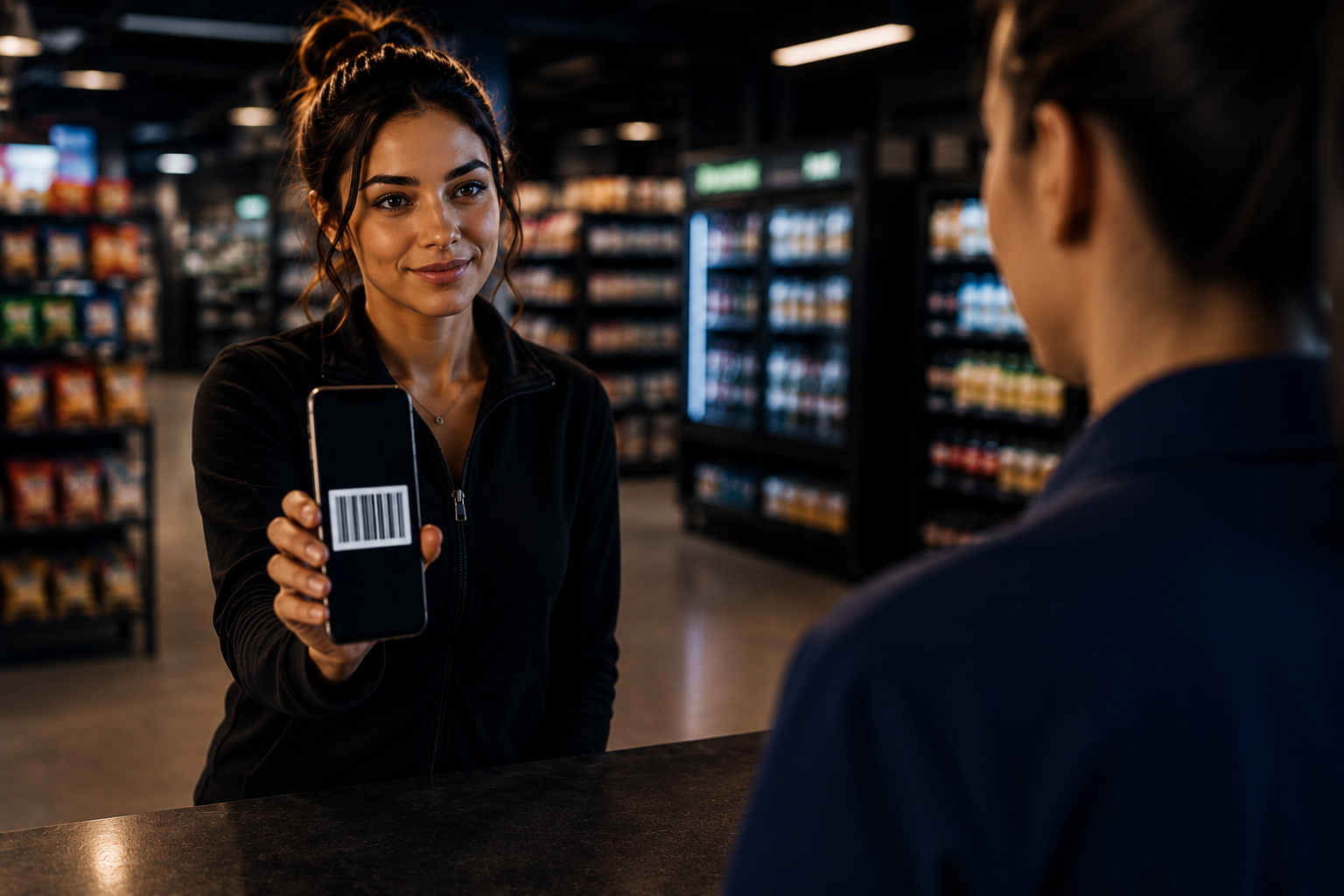
Generate your barcode
Start inside your Crypto Dispensers account and create a barcode for the retail cash deposit transaction.
Add cash to your Crypto Dispensers account at a participating retail checkout location, then use your available account funds to buy Bitcoin through Crypto Dispensers and its partners.
Start by generating a cash deposit barcode in your account. Bring the barcode and cash to a participating retail location, have the cashier scan it at checkout, and keep your receipt after the cash deposit transaction is completed.
Crypto services are separate from the retail cash deposit service.
Generate a barcode in your Crypto Dispensers account, bring cash to a participating retail checkout location, and keep your receipt after the cash deposit is completed. Once funds are available in your account, you can use them for Crypto Dispensers services, including Bitcoin purchases.

The barcode is used to connect your in-store cash deposit to your Crypto Dispensers account. It is not a Bitcoin wallet address, and the cashier is not selling Bitcoin at the register.
Start inside your Crypto Dispensers account and create a barcode for the retail cash deposit transaction.
Visit a participating retail location, show the barcode to the cashier, and provide the cash amount you want to deposit.
Your receipt is proof of the retail cash deposit transaction. Keep it until funds are available in your account.
After funds are available, Crypto Dispensers and its partners provide separate cryptocurrency services, including Bitcoin purchases.

The cash-loading step and the Bitcoin purchase step are separate. First, generate a Bitcoin POP barcode and load cash at a participating retail checkout location through Green Dot. After the funds credit to your Crypto Dispensers wallet balance, use that balance to buy Bitcoin through Crypto Dispensers.
Start in your Crypto Dispensers account so your barcode can connect the retail cash-loading transaction to your wallet balance.
Account setupCreate the barcode inside your account before visiting the register. This barcode is for cash loading, not for Bitcoin wallet delivery.
Barcode generatedA participating retail checkout location scans your barcode and processes the Green Dot cash-loading transaction. Keep your receipt.
Green Dot cash loadAfter the retail cash load is completed, funds are typically available in your Crypto Dispensers wallet balance within about 15 minutes.
Balance creditedUse your credited Crypto Dispensers wallet balance to buy Bitcoin through Crypto Dispensers. Bitcoin is sent to the wallet destination you provide.
Bitcoin purchaseUse the Crypto Dispensers location finder to search participating retail checkout locations. Generate your Bitcoin POP barcode in your account, load cash through Green Dot at the register, then use your credited Crypto Dispensers wallet balance to buy Bitcoin.
The location finder helps you identify participating retail checkout locations for the Green Dot cash-loading step. The retailer processes the cash load only. Bitcoin is purchased later through Crypto Dispensers after your balance is credited.
Bitcoin POP gives eligible Crypto Dispensers customers a barcode-based way to load cash at participating retail checkout locations through Green Dot. Once the cash is credited to your Crypto Dispensers wallet balance, you can use that balance to buy Bitcoin through Crypto Dispensers.
Loading cash at retail locations starts inside your Crypto Dispensers account. You generate a Bitcoin POP barcode, bring it to a participating checkout location, and ask the cashier to scan the barcode for a cash-loading transaction.
The retailer only handles the cash-loading step. The store does not sell Bitcoin, exchange cryptocurrency, custody cryptocurrency, or provide cryptocurrency services. Green Dot provides the retail cash-loading service.
After the register transaction is completed, your cash load is credited to your Crypto Dispensers wallet balance, typically within minutes. Keep your receipt as proof of the cash-loading transaction.
Once your balance is credited, you can use that Crypto Dispensers wallet balance to buy Bitcoin through Crypto Dispensers and its partners. Before completing the purchase, you provide and review the wallet destination where your Bitcoin will be sent.
Participating retail locations may include CVS Pharmacy®, Walmart®, Casey’s®, Tops®, Love’s®, Winn-Dixie®, Office Depot®, Harveys®, GIANT®, MARTIN’S®, and additional retailers as availability expands.
Trustpilot reviews consistently point to the same reasons buyers choose Crypto Dispensers: direct wallet delivery, real human support, and a smoother experience than high-fee Bitcoin ATMs.
Ask about your Bitcoin POP barcode, participating retail locations, Green Dot cash loading, receipts, timing, limits, wallet setup, or what happens after your cash is credited to your Crypto Dispensers balance.
Generate your barcode first, visit a participating retail checkout location, load cash at the register, then buy Bitcoin after your account balance is credited.

New eligible Crypto Dispensers customers may receive a $25 promotional cash credit after completing a qualifying $100 cash-loading transaction at a participating Bitcoin POP point of payment location. The cash credit can be used toward a Bitcoin purchase through Crypto Dispensers after it is applied to your account.
These answers explain how Bitcoin POP cash loading works, what participating retailers do, and how your credited Crypto Dispensers wallet balance can be used to buy Bitcoin.
Create a Crypto Dispensers account, generate your Bitcoin POP barcode, bring cash to a participating retail checkout location, and complete the Green Dot cash-loading transaction. After the cash is credited to your Crypto Dispensers wallet balance, you can use that balance to buy Bitcoin through Crypto Dispensers.
No. Participating retail locations only process the cash-loading transaction. They do not sell Bitcoin, provide cryptocurrency services, custody crypto, exchange crypto, or participate in the Bitcoin purchase.
Bitcoin POP stands for point of payment. It is a barcode-based cash-loading flow that lets eligible users add cash to their Crypto Dispensers wallet balance at participating checkout locations through Green Dot.
Participating checkout locations may include CVS Pharmacy®, Walmart®, Casey’s®, Tops®, Love’s®, Winn-Dixie®, Office Depot®, Harveys®, GIANT®, MARTIN’S®, and additional retailers as availability expands. Participation and availability may vary by location.
The barcode connects the retail cash-loading transaction to your Crypto Dispensers wallet balance. You should generate the barcode inside your account before visiting a participating checkout location.
After your cash load is completed and credited to your Crypto Dispensers wallet balance, you can use that balance to buy Bitcoin through Crypto Dispensers. Funds are typically available within about 15 minutes, but timing may vary.
A retail service fee of up to $4.95 and limits may apply. Other fees, limits, availability, verification requirements, and account eligibility may vary.
Yes. Keep your receipt as proof of your Green Dot cash-loading transaction at the participating retail checkout location.
Bitcoin purchased through Crypto Dispensers is sent to the wallet destination you provide inside your Crypto Dispensers account. Always review the wallet address before completing a purchase.
Create your Crypto Dispensers account, generate your Bitcoin POP barcode, load cash at a participating retail checkout location through Green Dot, then use your credited Crypto Dispensers wallet balance to buy Bitcoin.
Participating retail locations process the Green Dot cash-loading transaction only. Cryptocurrency services are provided separately by Crypto Dispensers and its partners after the balance is credited to your Crypto Dispensers wallet balance. Availability, limits, timing, fees, retailer participation, and verification requirements may vary.
Start with cash. End with Bitcoin.