Buy Bitcoin by wire. Explore wire transfers →

Prepare your wallet before buying
Choose a wallet by understanding who controls the keys, how recovery works and how you will verify a receiving address. Compare mobile, hardware and custodial options before funding a purchase.
By Crypto Dispensers · Updated October 14, 2026
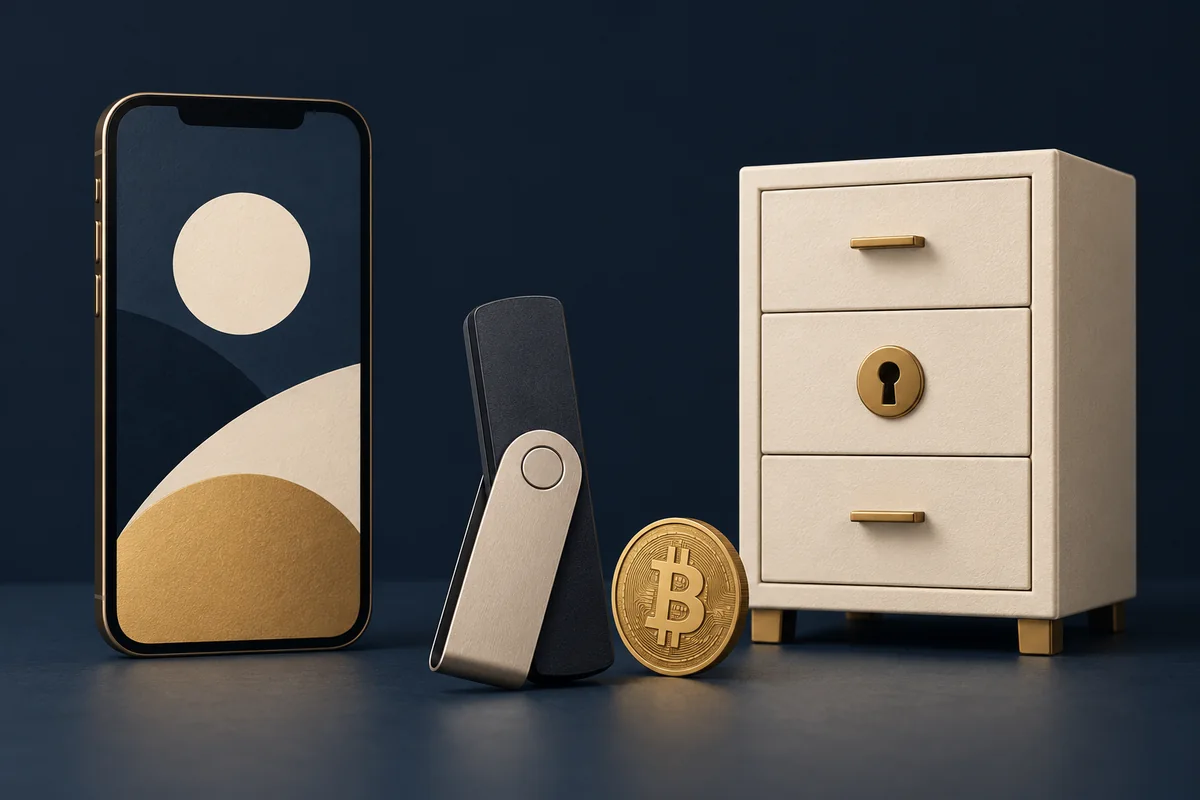
A Bitcoin wallet helps you receive and send Bitcoin and view activity recorded on the network. The coins are recorded on the blockchain. Control depends on the keys needed to authorize spending, not simply on which screen shows a balance.
With self-custody, you manage the keys or recovery setup. With a custodial service, the provider manages them and you access the service through its account rules. Both arrangements require care; neither a device nor a familiar app removes every risk.
Mobile and hardware describe how a wallet is used. Custodial describes who controls the keys. A phone app can be custodial or self-custodial, so check that distinction rather than judging by the device alone.
| Arrangement | Control and recovery | What to check |
|---|---|---|
| Self-custody mobile wallet | Keys and signing are managed through the phone wallet. Recovery usually relies on its documented backup method. | Official download, phone security, backup recovery and Bitcoin network support. |
| Hardware wallet with companion app | A separate device protects signing keys. The app helps prepare transactions and show activity. | Trusted supply source, device address verification, recovery setup and supported asset. |
| Custodial app or service | The provider controls the keys and sets account recovery, release and withdrawal rules. | Identity checks, account security, deposit requirements, custody terms and withdrawal conditions. |
Hardware wallets typically involve a device purchase. Software may be free to download while network, purchase, swap or service fees still apply. A custodian can have trading, withdrawal or subscription charges. Compare the current terms for the operations you need.
A hardware wallet can reduce some exposure of signing keys to an internet-connected device. You still need to verify the transaction and protect recovery information. It cannot make a malicious destination safe.
Identify whether recovery uses your own backup or a provider's account process. Follow the official instructions before a loss occurs. Do not assume a password alone restores a self-custody wallet.
Understand the device maker's documented recovery method and keep the backup protected. A replacement device alone does not recreate missing recovery information.
Use the provider's official recovery process. You rely on its identity, access and withdrawal rules; your account password is not an independent Bitcoin private key.
Never type recovery words into a support chat, website reached through an unsolicited link or this guide. Some products use methods other than a conventional recovery phrase; follow the documentation for your exact wallet. Read custodial versus non-custodial wallets.
| Detail | Purpose | Handling |
|---|---|---|
| Receiving address | Identifies a destination for a supported Bitcoin transfer. | Verify the full address before sharing. It can link your identity to public activity. |
| Transaction ID | Identifies a transaction on the network. | Useful for checking delivery, with privacy implications. |
| Private key or recovery secret | Can allow spending or recovery of wallet control. | Keep secret and follow the wallet's secure backup instructions. |
| Account password or code | Controls access to an app or service. | Never share it with support or a caller. It is not interchangeable with a receiving address. |
A QR code is a representation of information, not proof that the destination belongs to you. Read what your wallet or sender shows after scanning and check the full destination.
Decide who will control the keys and how you will recover access.
Download from the verified source or obtain the device through a trusted supply channel.
Follow current product instructions privately. Do not reuse a wallet someone else set up for you.
Use a receiving destination compatible with the sender. A Lightning invoice or token address is not interchangeable with an on-chain BTC address.
For a hardware wallet, compare every character with its trusted display.
Ask about destination requirements before funding. Never guess an alternative network.
Trezor's official receiving instructions provide one example of verifying an address with the device. Other wallets use different screens and methods. This is not an endorsement or a claim that every device is supported by every provider.
Moving Bitcoin from Robinhood? Use the Robinhood-to-hardware-wallet checklist to check account availability, address compatibility and the withdrawal preview.
For a Crypto Dispensers wire purchase, prepare the receiving wallet before funding and provide its details through the approved request process. Complete the required review, then wait for verified bank instructions.
The bank wire sends dollars to fund the purchase. It does not send dollars directly to a Bitcoin address. After funds arrive and review is complete, check and approve the final quote and destination. Bitcoin delivery is a separate step after the purchase is completed.
If the wallet destination changes, contact the team before proceeding. Do not replace it through an unexpected message. Our wire-to-hardware-wallet guide explains the preparation in more detail.
Confirm the correct account, asset, network and receiving output. Use the public transaction lookup when a Bitcoin transaction ID is available. A receiving service may require its own confirmation threshold before crediting a balance.
Verify the recipient and full destination independently, review the amount and network fee, and check the transaction on the trusted display if your wallet provides one. Only authorize a transfer you understand.
A small test can help check a supported setup but adds steps and costs. It does not replace address verification or approve a later payment. Agree on any test or split with the sender; do not split a bank wire without instructions.
Use the receiving checklist and keep the purchase and delivery records together.
Choose an arrangement whose control, recovery and receiving process you understand. There is no universal product choice for every user, amount or need.
Many hardware wallets use a companion app on a phone or computer. The roles differ: the app shows information while the device protects signing keys under its design.
The network records the transfer to the address. Verify the destination before sharing it, then use your wallet software to check the receipt. The device need not remain connected solely to receive.
Do not assume so. With self-custody, missing recovery information can mean losing access. No support agent needs your recovery words to send Bitcoin to you.
Reviewed October 14, 2026 using Bitcoin.org's wallet-selection guide, its wallet-security guidance and Trezor's receiving instructions. Verify the current documentation for your chosen wallet.
Already registered? Sign in to the wire flow. Creating an account does not authorize a payment. Review our wire service before funding.
Published by Crypto Dispensers, which offers crypto purchase services. Bitcoin can lose value. Fees, eligibility, verification and timing vary. Review the current terms and actual quote before transacting.
Your Crypto Dispensers account
Create an account to see the services available to you. You can buy Bitcoin by wire, debit, credit or ACH, sell supported crypto for a USD bank payout, or exchange supported assets. Contact our team if you need help choosing a service.
Creating an account does not authorize a payment. Availability depends on your location, account and required checks.
Helping people access Bitcoin since 2017.
Privacy controls
Necessary cookies are always on so the site works. You can also allow analytics to help us improve the experience, and advertising cookies to measure campaigns and show more relevant ads. You can change this anytime.
Read our privacy policy