
Crypto News
How to Send Bitcoin to Another Wallet: Step-by-Step Guide
Exactly how to send Bitcoin from your wallet to any other address — including how to verify the address, set the right fee, and confirm the transaction arrived safely.
Exactly how to send Bitcoin from your wallet to any other address.
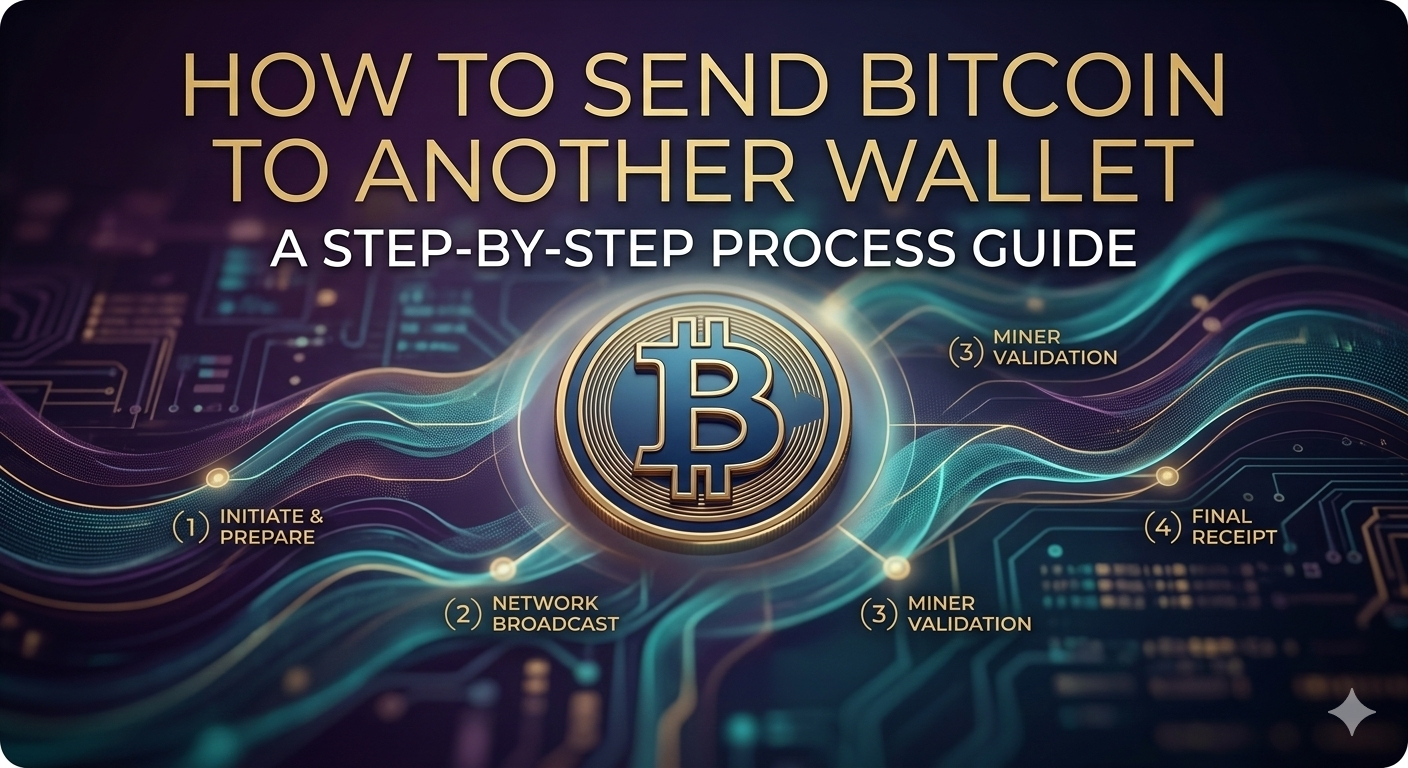
Sending Bitcoin is one of the most important things you'll do as a Bitcoin holder — and one of the easiest to get wrong. The stakes are real: Bitcoin transactions are permanent, and mistakes cannot be reversed. This guide walks through the exact process of sending Bitcoin correctly, from verifying the address to confirming the transaction arrived.
The irreversibility of Bitcoin transactions is not a bug — it's a design feature that makes the system trustless. But it means that errors are permanent. Before initiating any send, go through these checks every single time:
The process is similar across BlueWallet, Muun, Exodus, and most other mobile wallets.
Open your wallet app and navigate to the Send function. It's usually marked with an arrow pointing outward or labeled "Send."
You have two options for entering the address:
Specify how much Bitcoin to send. Most wallet apps let you toggle between entering the amount in Bitcoin (BTC) or in your local currency (USD, EUR, etc.) for convenience.
Double-check the amount. Sending 0.1 BTC instead of 0.01 BTC is a tenfold error. Confirm you see the right number in both Bitcoin and fiat currency.
Most wallets offer fee presets:
The actual fee amounts are small — a few cents to a few dollars depending on network congestion. During peak periods, fees rise as more transactions compete for limited block space.
Before tapping "Confirm" or "Send," review the summary screen one final time:
Once you confirm, the transaction is broadcast to the Bitcoin network and cannot be recalled.
After confirming, your wallet will display a transaction ID (txid) — a unique identifier for your send. Copy or note this. It's your receipt and your tracking number for looking up the transaction on a block explorer.
Hardware wallets like the Ledger Nano X and Trezor Model T add an extra confirmation step: physical approval on the device itself. This is the feature that makes them resistant to software-based attacks.
The process is similar to a mobile wallet, but conducted through the companion app (Ledger Live or Trezor Suite) on your computer or phone. After entering the address and amount, the companion app sends the transaction to the hardware device for approval. You verify the address and amount on the hardware device's screen — not your computer — and physically press a button to confirm.
This step is critical. Malware that has compromised your computer can display a fake address on your screen while sending the actual transaction to an attacker's address. By verifying on the hardware device itself — which is isolated from your computer — you confirm what's actually being sent.
After sending Bitcoin, you can track its status on the blockchain using any public block explorer. Mempool.space is the most widely recommended tool — it shows the current state of the mempool, which block your transaction is likely to be included in, and real-time confirmation status.
To track your transaction:
A transaction with zero confirmations has been broadcast but not yet included in a block. One confirmation means it's been included. Most recipients and services consider a transaction settled after 3–6 confirmations.
If a transaction has been waiting in the mempool for more than an hour or two, the fee was likely set too low for current network conditions. Options:
When you purchase Bitcoin through Crypto Dispensers, you provide your personal wallet address during checkout. The platform sends the Bitcoin directly from its own holdings to your wallet — you don't initiate a separate "send" step. Your wallet will show the incoming transaction once it's confirmed on the blockchain.
If you want to forward that Bitcoin from your personal wallet to another address — a gift, a payment, a different wallet you own — the steps above apply.
Bitcoin addresses are specific to the Bitcoin network. Sending BTC to an Ethereum address, for example, typically results in permanent loss. Always verify you're sending the right cryptocurrency to the right type of address. Most modern wallets display an error if you attempt to send to an obviously incompatible address format.
Once a transaction has been confirmed in a block, it cannot be cancelled. For unconfirmed transactions in the mempool, some wallets support Replace by Fee (RBF) to rebroadcast with a different fee. There is no mechanism to recall confirmed Bitcoin transactions.
Look up the recipient's wallet address on a block explorer. If the transaction appears with confirmations and their address shows the incoming balance, the Bitcoin was received. You can also ask them to check their wallet — the incoming transaction will appear as pending before confirmation and settled after.
There's no maximum amount defined by the Bitcoin protocol. You can send any amount in a single transaction. Practical limits come from individual platforms and services, not from the network itself.
Get fast support from a real person who knows your account and can help in seconds.

.avif)

%2520copy.jpeg)


.jpeg)

%2520(1).jpeg)
.jpeg)