
Bitcoin insights and practical guides
Published by Crypto Dispensers · 2 min read
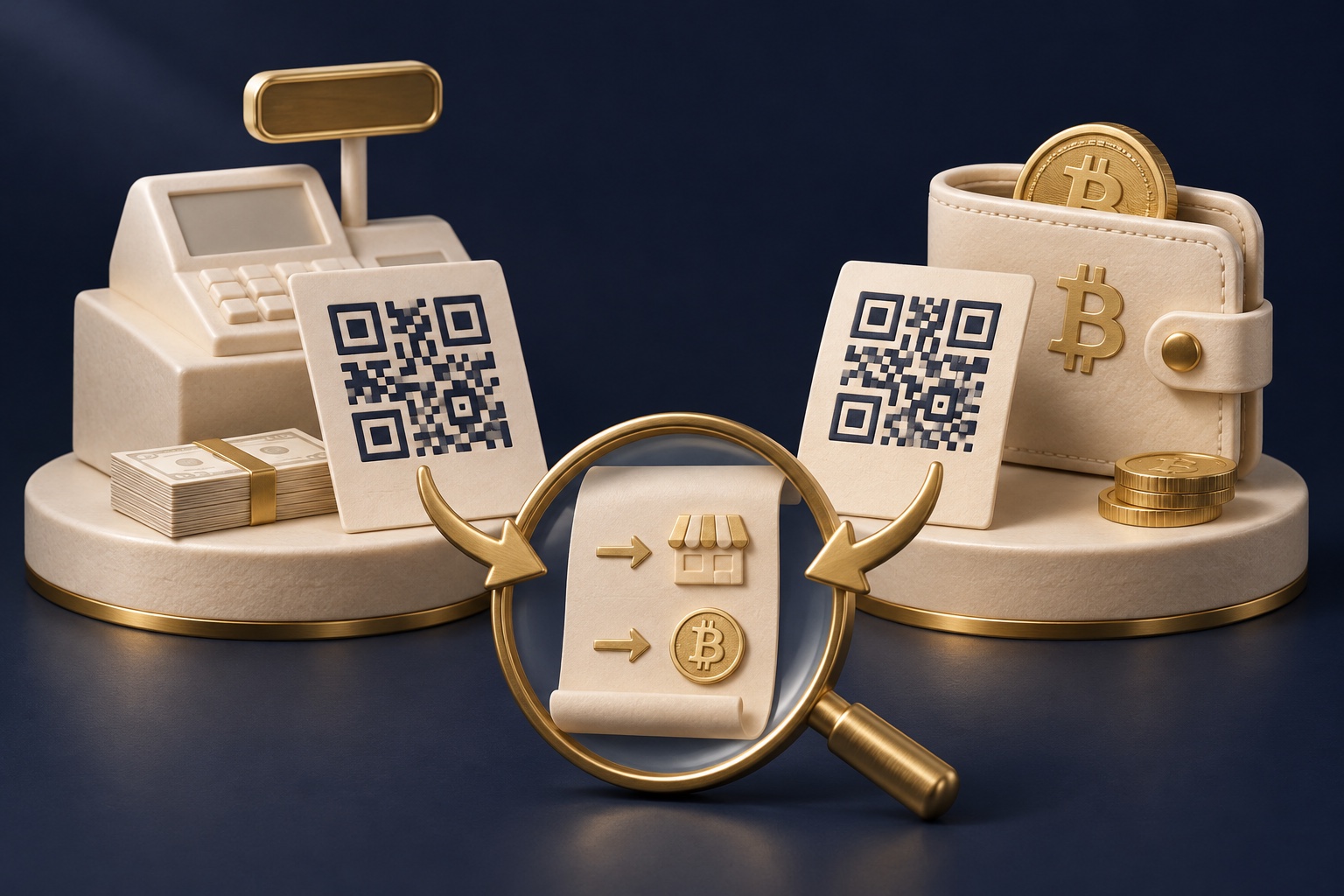
Treat every scan as data to inspect. A familiar logo or square pattern does not verify the request.
| What to check | How to use it |
|---|---|
| An on-chain payment request | The wallet should show the Bitcoin destination and any requested BTC amount. Verify both before approving. |
| A web or sign-in link | Check the domain and purpose. Opening a page is not evidence that it belongs to the intended provider. |
| Retired cash-loading instructions | Keep them with the earlier receipt for support. CDReload and Bitcoin POP codes cannot start a new retail cash purchase. |
Scroll the table to see both columns.
Teaching example: “bitcoin:ADDRESS?amount=0.001” uses a placeholder destination and requests 0.001 BTC, or 100,000 sats. It is not a payable code. Check the decoded details on your wallet’s review screen, then verify the actual recipient independently.
Practical checks added November 2, 2026. Bitcoin payment and wallet guidance · Official Crypto Dispensers support.
Bitcoin buying and ownership
For examples of these workflows, see PayPal’s retail cash-loading instructions, Coinbase’s receiving-address guide and the FTC’s Bitcoin ATM scam guidance. Crypto Dispensers retail cash loading has ended.
| Code | Expected job | What a scan does not prove |
|---|---|---|
| Former account cash-loading barcode | Previously allowed a cashier to process an account load; Crypto Dispensers retail cash loading is discontinued | That Bitcoin was purchased or delivered |
| Bitcoin receiving QR code | Lets compatible wallet software read a destination or payment request | That the recipient is trustworthy |
| Website or sign-in QR code | Opens a link or starts another service-specific action | That the site is authentic or safe |
The visual pattern alone cannot establish the purpose. Start with the screen that created it and the action you intended to take. An unfamiliar QR code in a message is not a substitute for official account instructions.
Keep the receipt when a load succeeds. Your next check is whether the USD balance posts to the intended account. A retailer does not need your wallet recovery words to load cash.
A wallet may use a QR code to fill in an address and, depending on the request format, an amount or other information. Read the wallet's confirmation screen rather than approving because the scan succeeded.
Confirm the asset, supported network, amount and receiving destination. When using a hardware wallet, follow its instructions to verify the address on the trusted device display. A Bitcoin on-chain address and a Lightning payment request also require compatible sending and receiving routes.
Scanning is a convenience for entering information. It is not identity verification of the person requesting payment.
Can I use a screenshot? Do not use a Bitcoin POP or CDReload barcode, including a saved screenshot. Crypto Dispensers retail cash loading is discontinued. Keep the image and receipt only as records for official support about an earlier transaction.
Does a valid Bitcoin address guarantee the right recipient? No. A valid format can still identify the wrong destination.
Not sure how to pay? Compare wire, ACH, debit card, and credit card purchases. Each has different costs and timing. Ask our team if you need help choosing.
Compare Bitcoin buying options →Published by Crypto Dispensers, which offers crypto buying, selling and swapping services. This article is educational. Bitcoin prices can fall; fees, timing, eligibility and available services vary. Review the applicable terms before you transact.
Your Crypto Dispensers account
Create an account to see the services available to you. You can buy Bitcoin by wire, debit, credit or ACH, sell supported crypto for a USD bank payout, or exchange supported assets. Contact our team if you need help choosing a service.
Creating an account does not authorize a payment. Availability depends on your location, account and required checks.
Helping people access Bitcoin since 2017.
Privacy controls
Necessary cookies are always on so the site works. You can also allow analytics to help us improve the experience, and advertising cookies to measure campaigns and show more relevant ads. You can change this anytime.
Read our privacy policy