Buy Bitcoin by wire. Explore wire transfers

Bitcoin insights and practical guides
By Crypto Dispensers · Updated October 15, 2026
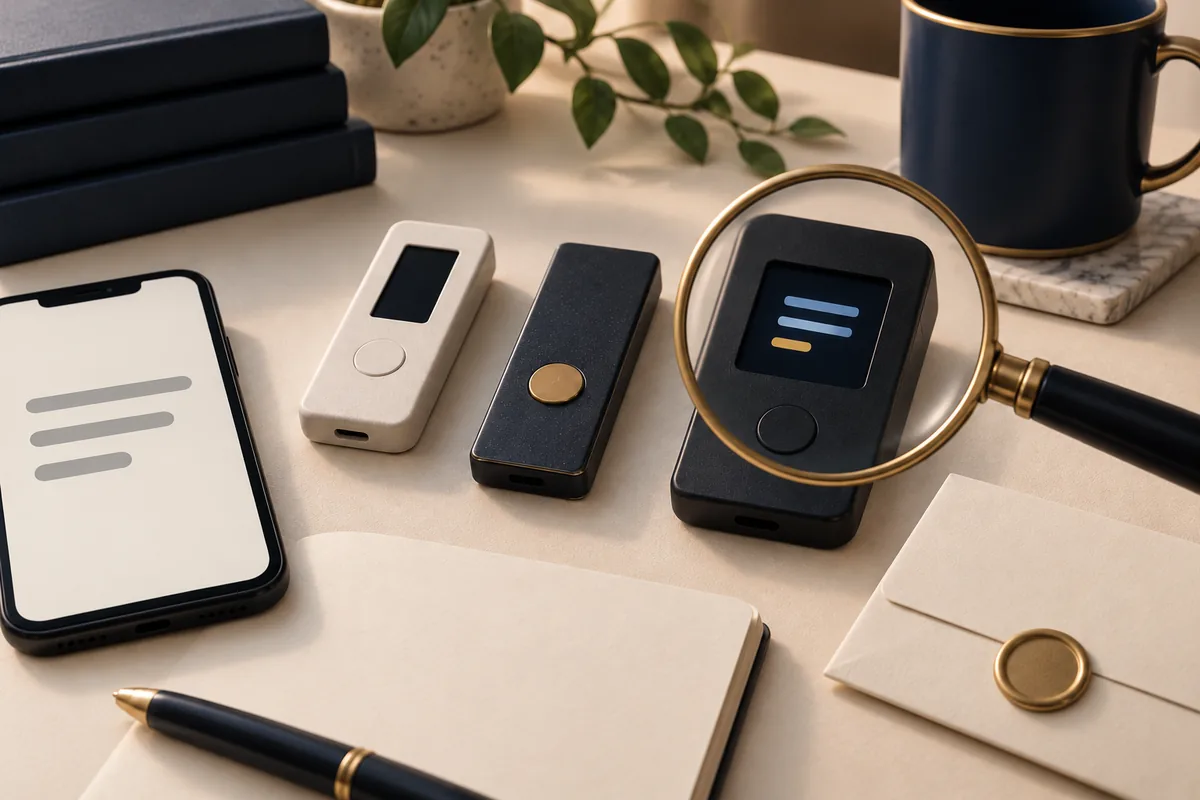
Choosing how to hold your keys
The best choice for someone holding only Bitcoin may differ from the best choice for someone using several networks. Start with your assets, your phone or computer and the recovery process you can maintain. A longer feature list does not settle those questions.
Simplified signing flow. A device cannot decide whether your recipient is trustworthy.
01 / A shortlist to investigate
These are examples from current manufacturer documentation, not a ranked security verdict. We have not performed a hands on comparison or an independent security audit. Confirm the exact model, edition, software support and purchase terms before ordering.
Trezor lists a monochrome display and two physical buttons for Safe 3. This gives you a concrete usability question: are you comfortable reading and confirming complete transaction details through that interface? Check the current compatibility list for your computer or phone rather than assuming every mobile feature is available.
Safe 5 uses a color touchscreen with haptic feedback, according to Trezor's comparison. If touch controls are easier for you to read and operate, that difference may matter more than a headline specification. It does not remove the need to verify addresses or protect the backup.
Ledger describes Flex as a touchscreen signing device with support for connection to iOS, Android and desktop systems. Check the current asset and application requirements for each network you use. Buying a device does not mean you need to use every trading, staking or recovery service offered alongside its companion app.
BitBox offers Bitcoin and Multi editions. The Bitcoin edition supports Bitcoin alone; the Multi edition adds selected assets and integrations. Its support documentation distinguishes assets managed in the BitBoxApp from those requiring an external wallet. Check both the asset and the interface you would actually use.
These examples are not an exhaustive market list. Compare current total prices, delivery, warranty and return terms at the official seller. A low price is not useful if the device cannot support your intended workflow.
02 / Compare the work you will do
Can you inspect the full address, amount and relevant permissions on the device? Can you comfortably reject a request? Review a manufacturer's actual transaction walkthrough, including any limitations on displaying contract details.
Confirm your operating system, connector and required apps. Read how firmware updates work and how the device verifies genuine software. Consider the steps you would need to repeat after replacing your phone or computer.
Identify the backup format and compatible recovery options. Understand whether you are relying on written words, multiple shares, an additional passphrase or a separate service. Choose a process you can explain and carry out.
Consider a person who holds only Bitcoin and checks the wallet a few times a year. A narrow asset scope and a well documented recovery process may matter most. Someone who regularly uses several networks has an additional problem: verifying each network, application and signing request. Neither person benefits from features they cannot use confidently.
A hardware wallet can reduce the exposure of private keys to a connected computer. It cannot make a dishonest recipient honest, rescue a backup you lost or prevent every harmful transaction you approve. Treat a security chip, an open codebase or a certification as evidence about a specific property, not proof that the whole setup is immune to loss.
03 / Before moving your holdings
These examples compare documented workflows, not security scores. Confirm the exact model and current app support before buying. We have not independently tested or audited these devices.
| Device | Read the receiving address | Connect and recover |
|---|---|---|
| Trezor Safe 3 | Monochrome screen and physical buttons. Check the full receiving address on the device. | Desktop and Android support; iOS features are limited. Identify whether your backup uses 12, 20 or 24 words and follow that format’s recovery process. |
| Trezor Safe 5 | Color touchscreen. Compare the complete device address with the one you will submit. | Desktop and Android support; iOS features are limited. Verify your actual backup format and any additional passphrase. |
| Ledger Flex | Touchscreen signing device. Verify the receiving details on its secure screen. | Ledger lists desktop, iOS and Android connectivity. Distinguish your recovery phrase, optional backup products and any separately chosen recovery service. |
| BitBox02 and Nova editions | Use the device-confirmed receiving address. Choose the Bitcoin-only or Multi edition deliberately. | Confirm the exact model’s phone/computer support. Nova supports iPhone/iPad; the original BitBox02 has different mobile compatibility. Keep the device’s required recovery backup. |
Manufacturer documentation checked October 15, 2026: Trezor comparison, Trezor backup formats, Ledger Flex and BitBox02 Nova compatibility. Newer models and software updates can change the available workflows.
Choose and set up your wallet before you need to submit the receiving address. Your bank sends dollars to the approved bank recipient; the Bitcoin purchase is delivered separately to your confirmed Bitcoin address.
Your selections are only a preparation aid. Follow the instructions for your current request.
For our service, review Bitcoin wire purchase costs and steps and the hardware-wallet delivery guide. A listed wallet brand is not a promise that every model, configuration or address type will be accepted. We publish this guide and offer wire purchases, so we have a commercial interest in that service.
Use the manufacturer's official store or a reseller it explicitly authorizes. Follow its authenticity checks and obtain the companion software from its official site. Do not use a device that arrives with someone else's completed recovery phrase.
Follow the exact instructions for your model. Keep the backup private and protected against theft, loss and damage. Never give it to support, upload a photograph or enter it into a website asking you to validate the wallet.
Trezor documents BIP39 and SLIP39 formats, which are not interchangeable merely because both use words. Confirm that the proposed recovery wallet supports your format. If you add a passphrase, understand that losing it can prevent access even when the backup words are intact.
Compare the complete address displayed on the hardware device with the address used for your transfer. Confirm the asset and network. For a new setup, consider a small test transfer, accounting for any fees, and verify its receipt before moving more.
Use the manufacturer's documented backup check procedure where available. Do not erase a working wallet with funds just to improvise a recovery test.
Buying Bitcoin and withdrawing it to this wallet are separate steps. Review the provider's supported network, withdrawal conditions and current account quote. See the receiving address checklist and our Bitcoin buying safety guide before sending.
04 / Common questions
This comparison cannot establish a universal winner. The exact model, software, transaction review, backup and your own use all affect the outcome. Manufacturer specifications are not a substitute for an independent security assessment.
Yes. Someone who obtains the necessary backup and any required passphrase may recover the wallet elsewhere. You can also be tricked into approving a harmful transaction while keeping physical possession of the device.
It manages the keys used to authorize transactions. Your Bitcoin balance is represented by records on the network. Recovery depends on having the required backup information and compatible tools.
Not necessarily. Some devices support several assets, but support depends on the model, edition, network and application. Verify the exact combination before depositing.
05 / Documentation and scope
Reviewed September 18, 2026. This is a selection guide based on published documentation, not a hands on product review, security audit or guarantee. Product support and terms can change. Names identify the products discussed and do not imply affiliation.
Not sure how to pay? Compare wire, ACH, debit card, and credit card purchases. Each has different costs and timing. Ask our team if you need help choosing.
Compare Bitcoin buying options →Published by Crypto Dispensers, which offers crypto buying, selling and swapping services. This article is educational. Bitcoin prices can fall; fees, timing, eligibility and available services vary. Review the applicable terms before you transact.
Optional guide · Wallets and recovery
This is optional reading related to stage 4. Return to the course for its lesson, example and check.
Your Crypto Dispensers account
Create an account to see the services available to you. You can buy Bitcoin by wire, debit, credit or ACH, sell supported crypto for a USD bank payout, or exchange supported assets. Contact our team if you need help choosing a service.
Creating an account does not authorize a payment. Availability depends on your location, account and required checks.
Helping people access Bitcoin since 2017.
Privacy controls
Necessary cookies are always on so the site works. You can also allow analytics to help us improve the experience, and advertising cookies to measure campaigns and show more relevant ads. You can change this anytime.
Read our privacy policy